The roof inspection app that writes your notes.
FieldPix is a job site photo app for roofing contractors. Walk the roof, talk through what you see and snap photos, and it writes notes for every area and problem, with the right photos under each and a repair list, before you're down the ladder.
14 days free, no card · $29.99/month for one person, $49.99 for a crew of up to 5
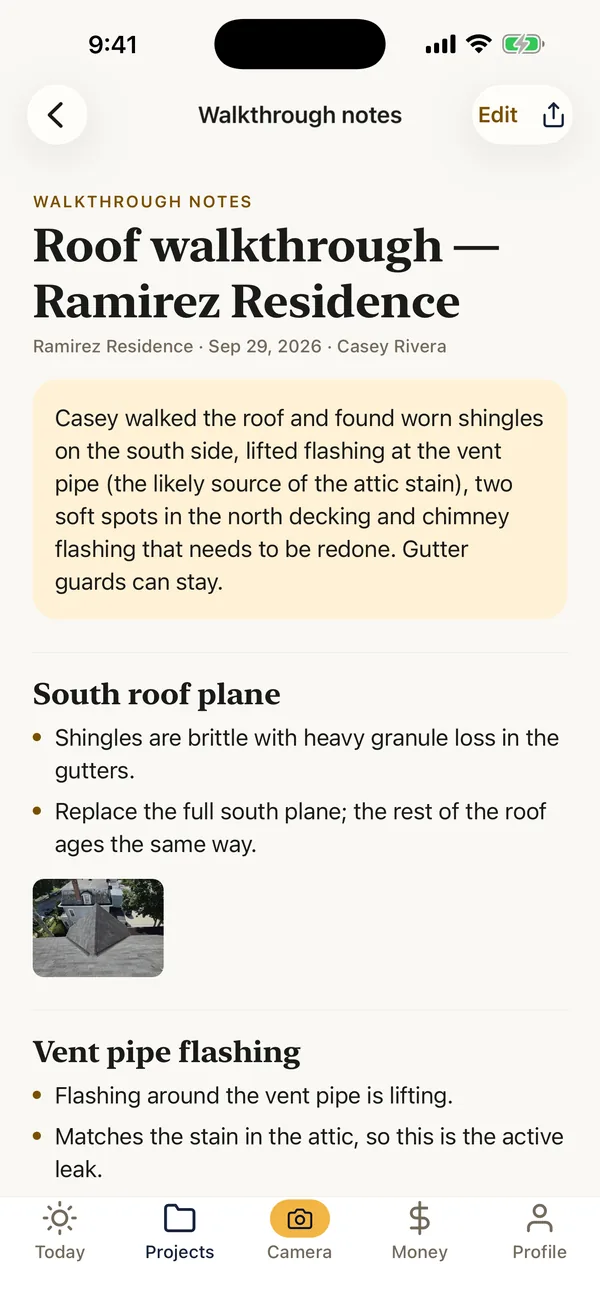
Say it on the roof. Get it in writing.
No typing on the roof and no write-up at night. Here's what a two-minute walkthrough turns into.
You say“Vent pipe flashing is lifting. That matches the stain in the attic.”
- Flashing around the vent pipe is lifting.
- Matches the stain in the attic, so this is the likely leak.
You say“Two soft spots in the north decking.”
- Two soft spots in the north side decking.
You say“Chimney flashing is cracked, needs to be redone.”
- Chimney flashing is cracked and needs to be redone.
- Replace the lifted vent pipe flashing
- Cut out and replace two north deck sections
- Re-flash the chimney
Example from a demo job. Your notes follow what you actually say, with your photos filed under each section.
Everything a roofing job needs, in one app.
Cover the same points on every roof.
This is the Roof Inspection checklist built into FieldPix, section by section. Load it on a job in one tap, or copy it and make it your own.
Before you go up
- Front of the home with the house number
- All four sides from the ground
- Existing damage to siding, gutters and landscaping
- Ceiling stains inside, room by room
- Attic: stains, daylight and ventilation
Roof covering
- Material and approximate age
- Missing, cracked, curled or lifted shingles
- Granule loss and bald spots
- Hail or wind damage, with a marked test area
- Soft spots in the decking
- Ridge and hip caps
Flashing and penetrations
- Chimney flashing and counter-flashing
- Vent pipe boots
- Skylights
- Valleys
- Step flashing where the roof meets a wall
- Drip edge
Edges and drainage
- Gutters and downspouts
- Fascia and soffit
- Ponding on flat sections
- Signs of ice dams
Wrap-up
- Measurements, said out loud
- Overall condition
- Repair or replace, and why
- Homeowner signature
Condition questions ask for a photo on the spot, and the answers and photos go straight into the job. The full roof inspection checklist guide explains each point and the photos to take. See every built-in checklist.
One tap from the roof to a PDF.
Your logo on the cover, the job and the client, then every photo with its time, date and address, grouped the way you tagged them.

Writing reports by hand? Start from the free roof inspection report template, or the hail and storm damage photo checklist after a storm.
From the first visit to the final payment.
- Start the jobAdd the address and the homeowner, and assign your crew. Watch: Start a job
- Inspect and talkRecord a walkthrough on the roof. Say what you see and what you measure, and take photos as you go. Watch: Walk the site with AI
- Mark the damageCircle the hit or the soft spot on the photo and add a note. Watch: Draw on photos and leave notes
- Send the reportTurn the job into a PDF with your logo for the homeowner or the adjuster. Watch: PDF reports in one tap
- Get it signedSend the agreement to sign on your phone or from a link. Watch: Agreements clients sign on your phone
- Get paidTake the deposit and the final payment by QR code, pay link or card. Watch: Get paid on the job
“Our guys hit record, walk the roof and talk. By the time they’re back in the truck, the notes and the photos are already at the office.”
 Owner, State Solar
Questions roofers ask.
What app can roofing contractors use to document roof inspections with photos?
FieldPix is a job site photo app built for it. Load the built-in Roof Inspection checklist, which asks for a photo at each point, take photos stamped with the date, time and location, and talk through what you find: FieldPix writes the inspection notes by area with the photos under each. One tap turns it into a PDF report with your logo for the homeowner or the adjuster. It runs on iPhone, iPad and Android, and works with no signal on the roof.
Can I use FieldPix for roof inspection reports?
Yes. Record a walkthrough while you inspect, and FieldPix writes notes by area with the photos under each one. One tap turns the job into a PDF report with your logo. The Roof Inspection checklist is built in, so every inspection covers the same points.
Does FieldPix help with insurance claims?
Every photo carries the time, date and GPS location burned into the image, so you have a clear record of what was there and when, and the report is a PDF you can send the adjuster. FieldPix doesn't file claims, write estimates in an insurer's format or deal with insurers for you.
Does FieldPix measure the roof?
No. FieldPix doesn't measure from photos. Say your measurements out loud during the walkthrough and they land in the notes.
Does FieldPix work with no signal?
Yes. Photos, video and walkthrough recordings save on the phone and upload on their own when you're back in range.
Can I mark hail or wind damage on the photo?
Yes. Draw on any photo to circle the hit or the soft spot, add an arrow, and leave a note your crew will see on the photo.
Can the homeowner see the photos and the report?
Only what you share. Each job can have a private link for the homeowner that shows the job's stage, the reports you mark for them and the comments you choose to send, and they can add their own photos. You can turn the link off at any time.
What does FieldPix cost?
Flat per company, not per person: $29.99 a month for one person, $49.99 a month for up to 5 people, or $99.99 a month for as many as you want. Every feature is on every plan. A plan covers one business and the people who work for it; if you run two companies, each gets its own plan. Pay yearly and get two months free. Every plan starts with a 14-day free trial, no card needed.
 14-day free trial
Run your next roof inspection with FieldPix.
There's nothing to pay during the trial, and no card to enter.

